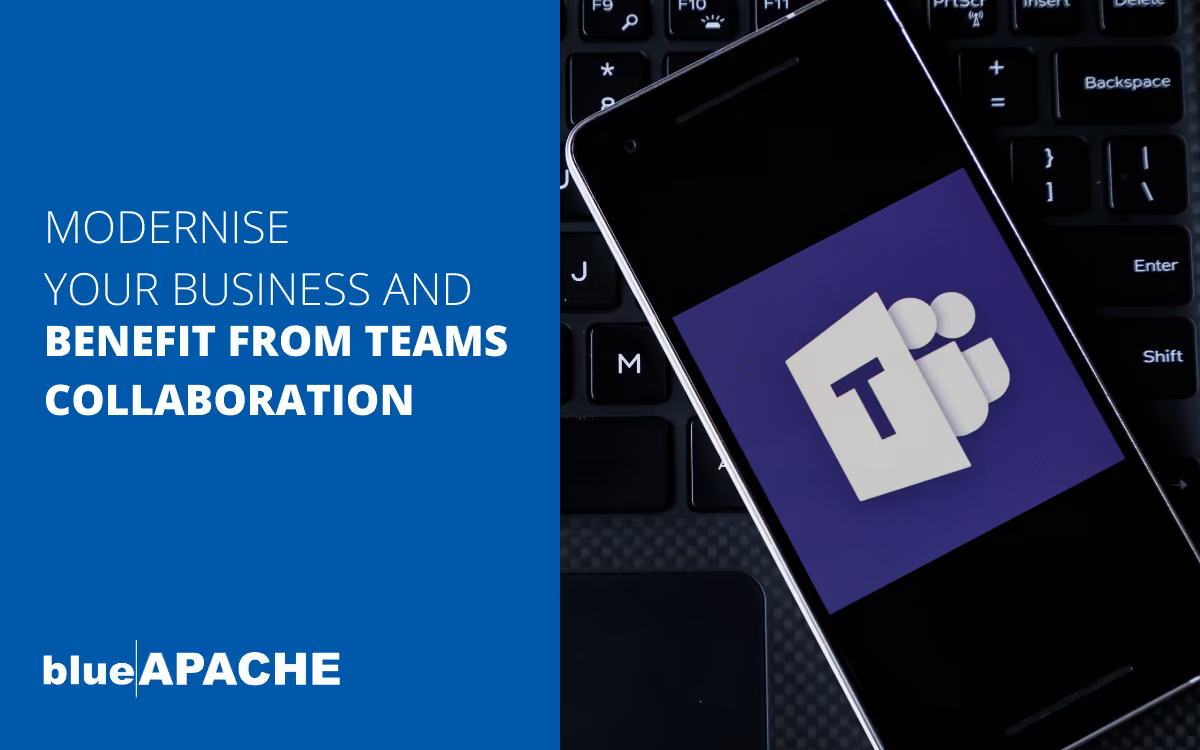
Modernise your business telephony and benefit from teams collaboration!
Today, we’ll be looking at how to achieve a unified collaboration platform and how your business can benefit from having one. Modern Workplaces thrive on collaboration, and a unified collaboration platform is an essential tool to achieve that. But, how can you achieve that and what are the benefits that this will unlock? This blog is designed to answer those questions, and provide your business with a blueprint to access the benefits for your organisation.
The evolution of business telephony
Gone are the days when your entire business telephony system was a single landline into the main office. Not only was this model ineffective due to the amount of missed calls and time customers would have to spend waiting for staff members to be tracked down, but it was also highly restrictive in terms of call volume and the level of customer service that you can provide. The addition of Interactive Voice Responses (IVRs) in the late ’70s laid the foundation for the complex systems we use today, but it wasn’t until the ’90s that VoIP systems arrived on the scene. From here, we’ve seen Skype (Team’s great grandfather) launch in 2003, the addition of modern-day smartphones in 2007 and the cloud-based service take-off in 2011. All of these advances have led us to the point where the humble desk phone is no longer so humble and can now function as a hub for communications business-wide. As long as you have the right set-up, of course.
For now, however, let’s explore the evolution of business telephone systems:
Operator-based systems – physical human-based switching
Hailing back to a simpler time, operator-based systems require actual human input to get communications where they need to go. A receptionist or member of the call centre team will receive the call and manually send it off to where it needs to be via a switchboard at their location.
PBX – automated on-premise switching
Much like the above system, PBX receives and distributes calls, with the main difference being that under this system, the process is handled via automation rather than having a human manually control inputs. In this instance, costly, dedicated equipment and software must be kept and maintained on-site.
Cloud telephony – PBX in the cloud
Currently, the most advanced option for managing inbound calls in the traditional sense is cloud telephony. This system is very similar to the above mentioned PBX on-site automation system. However, it can be accessed from anywhere. This means that your automated system will be able to receive the call, establish who it needs to go through to, and get it sent to the appropriate receiver, no matter where they are, or what type of phone they’re using.
Collaboration – integration with Teams
It’s when we move across to collaborative calling, however, that we see the largest advances in technology. With Teams now being a widely used platform, it has become the go-to for intra- and inter-company collaboration. This is because it allows multiple members to join a Teams call with the push of a button and is easily accessible from any device. This ability is thanks to the fact that it happily allows dialing in from both smart devices and standard calling systems (as long as all parties have a network connection and the relevant numbers to call or link to join).
Introducing Teams Direct Routing – integrating Teams with phone systems
As we touched on above, Teams is far more than an online conferencing platform. Its ability to connect standard phone lines with online participants makes it the logical way forward for businesses wishing to unify their communications and streamline processes. While creating full direct routing integration isn’t as simple as just having call members dial in, the process can make a massive difference to productivity and is well worth pursuing. Essentially, the use of direct routing connects your Teams ecosystem to that of a Cloud PBX. This allows you to make and receive calls between devices entirely through Teams, without having to use URLs or codes as you’ll be assigned your own number within the ecosystem. This allows you to replace your current PBX set-up and creates a fully unified communications network.
Benefits of Teams Direct Routing
Teams Direct Routing offers a whole host of benefits for your business, including some that you may not have even considered: • Improves collaboration and makes working together seamless
• Increases flexibility within your communications system
• Provides cost benefits through the replacement of costly to maintain physical PBX systemsm, and can actually work out to be more economic than previous set-ups as you’re using a single system
• Supports WFH and remote work setups as employees are no longer limited by physical connections
• Increases system uptime, therefore improving customer service and team communication
Teams Direct Routing from us
Our Teams Direct Routing offers carrier-grade backhaul from Optus/Vocus. The service has a streamlined onboarding time frame with a proof of concept delivered within 1 day, and we offer flexible tariffs ranging from per-minute charges to all-inclusive plans. We can also provide a wide range of add-ons including contact centre functionality, compliance services and call recording.
This is all backed by a local 24/7 support team comprised of certified experts and a robust network with almost 100% uptime. To find out more, please contact us directly at:
1800 248 749
</contact/>
What is Teams Direct Routing?
Teams Direct Routing is a service that connects a business's Microsoft Teams ecosystem to a Cloud PBX, allowing calls to be made and received between devices entirely through Teams without needing URLs or codes, since users are assigned their own number within the ecosystem. This effectively replaces a traditional PBX setup and creates a fully unified communications network.
What are the main benefits of Teams Direct Routing ?
Teams Direct Routing improves collaboration and makes working together seamless, increases flexibility within the communications system, provides cost benefits by replacing costly-to-maintain physical PBX systems, supports work-from-home and remote setups since employees aren't limited by physical connections, and increases system uptime, improving customer service and team communication.
What does your Teams Direct Routing service include?
Our Teams Direct Routing service offers carrier-grade backhaul from Optus/Vocus, a streamlined onboarding timeframe with a proof of concept delivered within 1 day, and flexible tariffs ranging from per-minute charges to all-inclusive plans. It also includes add-ons such as contact centre functionality, compliance services, and call recording, all backed by a local 24/7 support team of certified experts and a network with almost 100% uptime.
How has business telephony evolved over time according to the blog?
The blog describes the evolution starting from a single landline system, to the addition of Interactive Voice Responses (IVRs) in the late 1970s, followed by VoIP systems arriving in the 1990s, Skype launching in 2003, modern smartphones appearing in 2007, and cloud-based services taking off in 2011, leading to today's systems where a desk phone can function as a communications hub.
What is the difference between operator-based systems and PBX systems?
Operator-based systems require actual human input, where a receptionist or call centre team member manually sends calls to their destination via a switchboard. PBX (automated on-premise switching) performs the same receive-and-distribute function but does so via automation rather than human control, though it requires costly dedicated equipment and software to be maintained on-site.
What is cloud telephony and how does it differ from on-premise PBX?
Cloud telephony is similar to PBX automation but can be accessed from anywhere, meaning the automated system can receive a call, determine who it needs to go to, and send it to the appropriate receiver regardless of location or device type, unlike on-premise PBX which relies on dedicated on-site equipment.
How does Microsoft Teams support call collaboration?
Teams allows multiple members to join a call with the push of a button and is easily accessible from any device, since it supports dialing in from both smart devices and standard calling systems, as long as all parties have a network connection and the relevant numbers or links to join.
Who wrote the blog and when was it published?
The blog was written by us and published on May 3, 2022. Estimated reading time: about 5 minutes, based on 897 words of article text on this page at 200 words per minute, excluding the Q&A and image list.
How can a business contact you to learn more about Teams Direct Routing?
Businesses can contact us directly at 1800 248 749 or via their website contact page at https://www.blueapache.com/contact/.
Images on This Page
-
https://cdn.prod.website-files.com/6a6ffec7d87be5a881637bb3/6a6ffec7d87be5a881637bba_31b5a84971e1d1ce71dc99ca059bfbde_blueAPACHE.svg
blueAPACHE logo on a dark blue background
-
https://cdn.prod.website-files.com/6a70181278f802e23979d547/6a701bcc07b7741bf53e2efd_emPOWER-Blog-7-Web-Post.avif
(no alt text)
-
https://cdn.prod.website-files.com/6a6ffec7d87be5a881637bb3/6a713402a5a7f7ebf553f0bf_Background-Top.avif
(no alt text)
-
https://cdn.prod.website-files.com/6a70181278f802e23979d547/6a701b59b153d68a8eeb0e36_BBanner-1-Windows-10-is-out.-AI-is-in.-.avif
You’ve Invest in Security. So Why Are Breaches Still Happening?
-
https://cdn.prod.website-files.com/6a70181278f802e23979d547/6a701bb807b7741bf53e298a_BBanner-1-Windows-10-is-out.-AI-is-in.-8.avif
EOFY 2026: The Reset Is Done – Now It’s About Getting Ahead
-
https://cdn.prod.website-files.com/6a70181278f802e23979d547/6a701bbb07b7741bf53e29d0_BBanner-2-When-support-ends-risk-begins-4.avif
Why Every Business Needs AI Guardrails
-
https://cdn.prod.website-files.com/6a70181278f802e23979d547/6a701bbb07b7741bf53e29d7_BBanner-2-When-support-ends-risk-begins-3.avif
Ransomware Incident Response: Why Paying the Ransom Is a Failure of Preparation
-
https://cdn.prod.website-files.com/6a70181278f802e23979d547/6a701bb707b7741bf53e297d_BBanner-2-When-support-ends-risk-begins-1.avif
The 7 Cyber Truths Boards Must Act On In 2026
-
https://cdn.prod.website-files.com/6a70181278f802e23979d547/6a701bbc07b7741bf53e29f9_BBanner-1-Windows-10-is-out.-AI-is-in.-7.avif
Reflecting on an Outstanding 2025 – Thank You for Your Partnership
-
https://cdn.prod.website-files.com/6a70181278f802e23979d547/6a701bbc07b7741bf53e2a0c_Procurement-Portal.avif
The blueAPACHE e-Store: IT purchasing made simple
-
https://cdn.prod.website-files.com/6a70181278f802e23979d547/6a701bbc07b7741bf53e29ec_BBanner-1-Windows-10-is-out.-AI-is-in.-5.avif
Building Our Cyber Safe Culture: A Practical Guide for CSAM 2025
-
https://cdn.prod.website-files.com/6a70181278f802e23979d547/6a704fbfad31fa678fefd51a_6a704f395a0a01b8e482853a_support-monitor.svg
(no alt text)
-
https://cdn.prod.website-files.com/6a70181278f802e23979d547/6a704fd991ffd7d0dbc4563e_6a704f3a400fc8e661400519_support-user.svg
(no alt text)
-
https://cdn.prod.website-files.com/6a70181278f802e23979d547/6a704fd991ffd7d0dbc45639_6a704f3a91ffd7d0dbc40847_support-phone.svg
(no alt text)
-
https://cdn.prod.website-files.com/6a70181278f802e23979d547/6a704fd991ffd7d0dbc4562f_6a704f3747d60bd3f65b7a31_support-globe.svg
(no alt text)
-
https://cdn.prod.website-files.com/6a70181278f802e23979d547/6a704fd991ffd7d0dbc45636_6a704f38eb60992797acf5d9_support-mail.svg
(no alt text)
-
https://cdn.prod.website-files.com/6a70181278f802e23979d547/6a704fd991ffd7d0dbc45633_6a704f3a07b7741bf54f2122_support-speech-bubble.svg
(no alt text)
-
https://cdn.prod.website-files.com/6a6ffec7d87be5a881637bb3/6a707520ca872d1b5a69a518_Sensiba.avif
Sensiba ISO/IEC 27001 Certified badge with a diamond-shaped logo below the text.
-
https://www.facebook.com/tr?id=541021476571056&ev=PageView&noscript=1
(no alt text)