Get your credit file: Natloans options and free alternatives
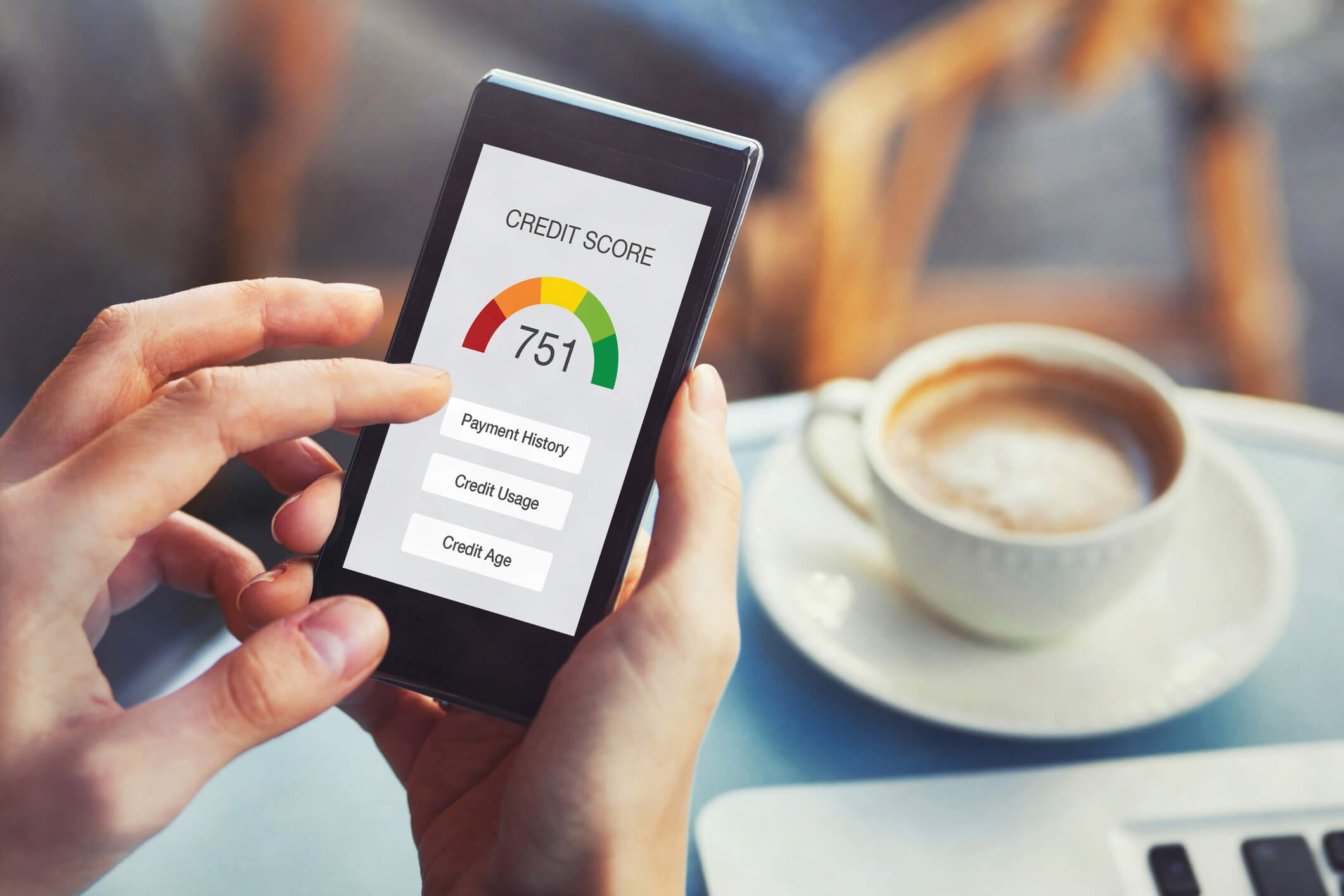
Your credit file is a detailed record of your borrowing history and plays a significant role in determining which finance products you can access and the interest rates you may be offered. Natloans provides a way to purchase your credit file directly through their website, giving you a clear picture of your current credit position before you apply for finance.
Why Your Credit File Matters
Lenders use your credit file to assess your suitability for a loan. A strong credit file can open the door to a wider range of finance options and more competitive interest rates, while a file with adverse entries may limit your choices or result in higher rates. Reviewing your credit file before applying for finance allows you to identify any issues, correct errors, and make informed decisions about your next steps.
Your credit file typically contains information including:
- Your credit rating
- Credit enquiries made against your file
- Repayment history
- Defaults
- Bankruptcy and debt agreements
- Financial hardship information
Credit File Options Available Through Natloans
Natloans' published page lists two purchase options. The prices below are as published on the source page (last modified 5 October 2026) and should be confirmed directly with Natloans before purchase, as pricing may change.
| Package | Published Price (source date: Oct 2026) | Included Services |
|---|---|---|
| My Credit File | $19.95 | Your credit file report |
| 3-in-1 Package | $29.95 | My Credit File, Car Valuation, Car Facts |
The source advertises a saving of over 35% or over $15. That claim is not supported by the separate prices captured on Natloans’ services page: $19.95 credit file + $14.95 car valuation + $9.95 Car Facts = $44.85. Against a $29.95 bundle, the saving is $14.90, about 33.2%. These are source-date prices; confirm the current inclusions and price before buying.
Free Credit Report Option
If you prefer not to purchase a report, Equifax provides a route to access your own credit report at no cost. You can request your free Equifax credit report directly at www.equifax.com.au/personal/products/equifax-free-credit-report.
Accessing your own Equifax report is recorded as a file access, not a credit application, and does not reduce your Equifax score. If you have questions about which type of check is involved in any specific process, confirm this directly with the lender or broker.
Understanding Credit Enquiries: Soft vs Hard
The original Natloans FAQ distinguishes preliminary file access from application-related enquiries, but it overstates certainty about score effects and broker protection. Use the verified distinction below and ask which check is proposed before giving consent.
Soft Credit Enquiry
Equifax explains that checking your own Equifax report is recorded as file access and does not affect your Equifax score. That statement does not independently verify how a particular Natloans service, broker or lender enquiry is processed.
Hard Credit Enquiry
Equifax explains that a lender’s credit check during an application may be recorded as a credit enquiry and may affect the score. This is not a prediction of a specific score change for every applicant. Multiple applications over a short period can be relevant.
Important note: The general distinction between soft and hard enquiries is widely recognised; however, the specific effect of any enquiry on your score can depend on the credit bureau and individual circumstances. If you are uncertain whether a particular check constitutes a soft or hard enquiry, ask the lender or broker directly before proceeding. Broker involvement alone does not guarantee the absence of an application enquiry.
How to Get Your Credit File
You have two main pathways:
- Purchase through Natloans: Use the credit file purchase options on the Natloans website. Choose either the My Credit File report or the 3-in-1 package depending on your needs. Confirm current pricing at the time of purchase.
- Access directly through Equifax: Request your free credit report at equifax.com.au at no cost.
Frequently Asked Questions
Can I purchase my credit file through Natloans?
Yes. Natloans' published page confirms you can purchase your credit file through their website. The report allows you to review your credit rating, credit enquiries, repayment history, defaults, bankruptcy and debt agreements, and financial hardship information. You can also access your credit file directly through Equifax for free at www.equifax.com.au/personal/products/equifax-free-credit-report.
What does the 3-in-1 package include?
The published bundle includes My Credit File, Car Valuation and Car Facts for $29.95 at the source date. The other captured service prices imply a $14.90 saving, about 33.2%, rather than the advertised over-$15/over-35% claim. Confirm current pricing and contents before purchase.
What is a soft credit enquiry?
A preliminary file-access check is different from a formal credit-application enquiry. Equifax confirms that accessing your own report does not reduce your Equifax score. Ask Natloans which provider and access process it proposes; broker involvement alone does not prove the absence of an application enquiry.
What is a hard credit enquiry?
A lender may record an enquiry when assessing a formal credit application. It may affect your score; the specific effect is not established here. Ask before applying rather than assuming an enquiry will always cause a particular decrease.
Will accessing my own credit file affect my credit score?
Equifax confirms that checking your own Equifax report is recorded as file access and does not affect your Equifax score. This does not independently verify a Natloans purchase or application workflow. See Equifax’s report guidance, checked 15 October 2026.
Is there a free way to get my credit report in Australia?
Yes. Equifax provides a free credit report option for individuals. You can request it at www.equifax.com.au/personal/products/equifax-free-credit-report.
What information is included in my credit file?
Based on the Natloans published page, your credit file can include your credit rating, credit enquiries, repayment history, defaults, bankruptcy and debt agreements, and financial hardship information.
Why should I review my credit file before applying for a loan?
Reviewing your credit file before applying allows you to understand your current credit position, identify any errors or adverse entries that could be addressed, and make informed decisions about which finance products may be available to you. It is a practical first step in preparing for a finance application.
Does using a broker like Natloans automatically trigger a hard credit enquiry?
Broker involvement alone does not establish which enquiry is made. Ask Natloans whether a proposed step is report access, preliminary assessment or a formal lender application, and what consent is required. There is no blanket assurance that broker involvement prevents application enquiries.
What is the difference between the My Credit File and the 3-in-1 package?
The My Credit File option (published at $19.95 as of the source date) provides your credit report. The 3-in-1 package (published at $29.95) adds Car Valuation and Car Facts services alongside your credit file. The 3-in-1 package may be particularly relevant if you are also assessing a vehicle purchase or refinance. Confirm current pricing and availability with Natloans.
Next Steps
If you are ready to review your credit file, you can:
- Purchase a credit file report through the Natloans website at natloans.com.au/calculators-tools-loan-calculator/get-my-credit-file/
- Access your free Equifax credit report at equifax.com.au
- Contact Natloans to discuss your credit position and explore finance options suited to your circumstances
Pricing, package availability, and service details should be confirmed with Natloans at the time of enquiry, as these may be subject to change.
Sources
- Natloans published page: natloans.com.au/calculators-tools-loan-calculator/get-my-credit-file/ — retrieved 15 October 2026, last modified 5 October 2026
- Equifax free credit report: equifax.com.au/personal/products/equifax-free-credit-report
- Equifax credit enquiry guidance: equifax.com.au/personal/node/86 — checked 15 October 2026
Free access, report contents and enquiry history
The OAIC says a credit reporting body must provide a free consumer report once every three months, with additional free access after refusal within 90 days or correction. Its current page lists Equifax and Experian. This is separate from optional paid services.
Equifax’s report guidance says a free Equifax report does not include a credit score. Do not assume that a report and a score are the same product. It also explains that application enquiries can remain for five years, including if the applicant does not take out the loan. Ask the provider to confirm the contents of any paid service.
This mirror does not accept payment, request a report or receive private credit files. Use the original Natloans page or the credit reporting body’s own website. Reviewing a file does not establish approval or guarantee the best available rate.
Images on This Page
-
https://www.natloans.com.au/wp-content/uploads/2026/04/natloans-white-logo.webp
(no alt text)
-
https://www.natloans.com.au/wp-content/uploads/2025/04/natloans_logo.png
(no alt text)
-
https://www.natloans.com.au/wp-content/uploads/2025/04/icon-person.svg
(no alt text)
-
https://www.natloans.com.au/wp-content/uploads/2025/05/icon-money-case.png
(no alt text)
-
https://www.natloans.com.au/wp-content/uploads/2025/04/icon-money-bag.svg
(no alt text)
-
https://www.natloans.com.au/wp-content/uploads/2025/05/material-symbols_electric-car-rounded.png
(no alt text)
-
https://www.natloans.com.au/wp-content/uploads/2025/05/material-symbols_edit-document.png
(no alt text)
-
https://www.natloans.com.au/wp-content/uploads/2025/05/solar_chat-round-money-bold.png
(no alt text)
-
https://www.natloans.com.au/wp-content/uploads/2025/05/material-symbols_credit-card.png
(no alt text)
-
https://www.natloans.com.au/wp-content/uploads/2025/04/icon-calculator.svg
(no alt text)
-
https://www.natloans.com.au/wp-content/uploads/2025/04/icon-service.svg
(no alt text)
-
https://www.natloans.com.au/wp-content/uploads/2025/04/icon-bank.svg
(no alt text)
-
https://www.natloans.com.au/wp-content/uploads/2025/04/ic_round-home.svg
(no alt text)
-
https://www.natloans.com.au/wp-content/uploads/2025/05/icon-dollar.png
(no alt text)
-
https://www.natloans.com.au/wp-content/uploads/2025/05/icon-first.png
(no alt text)
-
https://www.natloans.com.au/wp-content/uploads/2025/05/icon-construction.png
(no alt text)
-
https://www.natloans.com.au/wp-content/uploads/2025/05/icon-saving.png
(no alt text)
-
https://www.natloans.com.au/wp-content/uploads/2025/05/icon-trending-down.png
(no alt text)
-
https://www.natloans.com.au/wp-content/uploads/2025/05/icon-bike.png
(no alt text)
-
https://www.natloans.com.au/wp-content/uploads/2025/05/icon-boat.png
(no alt text)
-
https://www.natloans.com.au/wp-content/uploads/2025/05/icon-caravan.png
(no alt text)
-
https://www.natloans.com.au/wp-content/uploads/2025/05/icon-jet-skiing.png
(no alt text)
-
https://www.natloans.com.au/wp-content/uploads/2025/05/icon-solar-eclipse.png
(no alt text)
-
https://www.natloans.com.au/wp-content/uploads/2025/05/icon-truck.png
(no alt text)
-
https://www.natloans.com.au/wp-content/uploads/2025/05/ic_baseline-business-center.png
(no alt text)
-
https://www.natloans.com.au/wp-content/uploads/2025/05/bxs_bank.png
(no alt text)
-
https://www.natloans.com.au/wp-content/uploads/2026/09/icon-blog-notes.svg
Blog
-
https://www.natloans.com.au/wp-content/uploads/2025/11/credit-score.jpg
(no alt text)
-
https://www.natloans.com.au/wp-content/uploads/2019/10/2-ICON@3x.png
My Credit File
-
https://www.natloans.com.au/wp-content/uploads/2019/10/1-ICON@3x.png
3-in-1 Services
-
https://www.natloans.com.au/wp-content/uploads/2026/04/NL0426-02_Awards_HORIZONTAL-scaled.png
(no alt text)
-
https://www.natloans.com.au/wp-content/uploads/2026/04/natloans-awards.png
(no alt text)