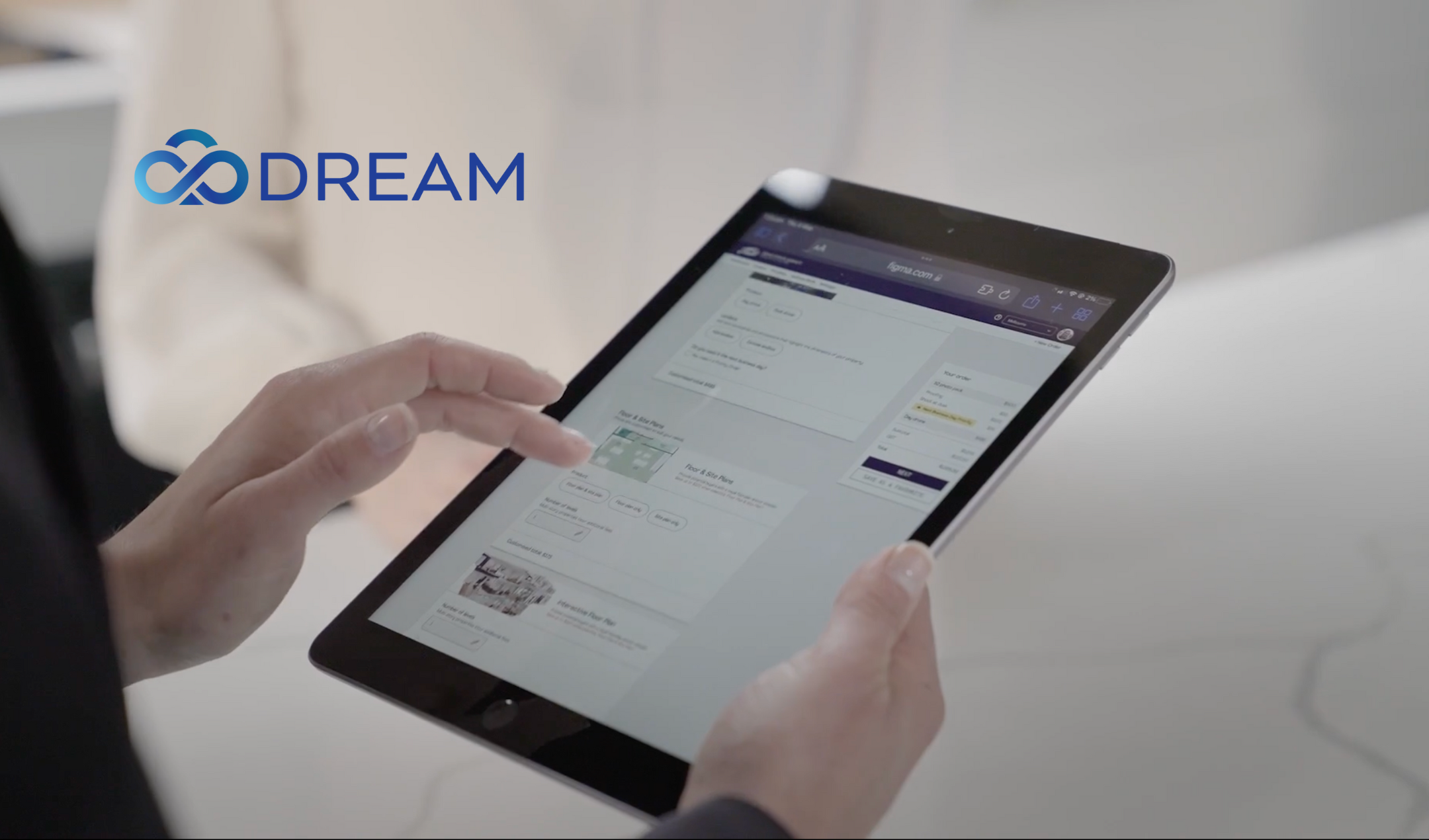
DREAM
System and evidence
The DREAM landing page expands the name as Digital Real Estate Asset Manager. The Urban Angles Help FAQ names DREAM as the customer environment for product ordering, scheduling, shared Favourites, property access, proof selections and image markups. It links users to app.urbanangles.com/user/login. This document records the website's instructions as observed on 17 September 2026; it does not claim that the logged-in interface was tested. Labels and availability should be checked against the current account. Source: Help FAQ
Order and booking terminology
The Urban Angles Way defines an order as the whole property job and bookings as the individual services within that order. Photography and a floor plan can therefore be separate bookings belonging to the same property order. Supply preferred dates, access information, contacts and specific capture requirements when ordering. Source: Orders & Bookings
Place an order
The published order sequence is:
- Sign in with the username and password provided for the account.
- Enter the property's address and details.
- Choose products using a saved Favourite or build a selection.
- Schedule the selected products.
- Review the details and confirm.
Urban Angles says an email notification is sent after the order is confirmed. The DREAM landing page has a Sign Up Now link leading to the general contact page. The sources do not document immediate self-service account creation, password recovery, account provisioning time or payment at checkout. Do not invent those steps. Source: DREAM Source: Ordering FAQ
Additional capabilities published on the DREAM page
The dedicated DREAM page describes nine feature themes (eight numbered headings plus an unnumbered Favourites section):
| Feature | Published capability |
|---|---|
| Online ordering | Photography, video, drone, plans and other products in one order flow |
| Booking | Select a date/time or nominate a preference when it is unavailable; the Customer Experience Team confirms the nearest available option |
| Package Favourites | Reuse combinations of products for consistent ordering |
| Image markups | Put post-production comments directly onto images |
| Delivery portal | View and download finished assets, organised by listing |
| Combined services | Bring several services into a common workflow and combine products |
| Job tracking | View progress from booking confirmation through delivery; described by the company as real time |
| Team access | Invite colleagues and use shared job history, asset libraries and Favourites |
| Scale | Designed for individual agents through to large offices with higher volumes |
These are published product capabilities, not independently tested features or a performance guarantee. The page gives no capacity limits, permission matrix, uptime commitment or storage-retention policy. Its general team-access description should be read with the FAQ's specific rule that office administrators manage shared Favourites.
The landing page describes nominating a preferred booking time; the FAQ advises calling support when a preferred slot does not display. Preserve both routes as published guidance and use the route available in the account. Neither promises that the exact requested time will be confirmed. Sources: DREAM, Bookings and Favourites FAQ
Product selection terminology
| Term | Meaning in the FAQ |
|---|---|
| Favourite | A reusable combination of products, performing the role customers may previously have called a package |
| Saved Favourite | An office product combination selected during a new order |
| Build your Own | The alternative to starting with a saved product combination |
| Prestige Photography | The FAQ says Prestige is now the base standard for all its photography products; users select an initial image quantity and additional images |
| Proofing | Customer selection of the images to receive final post-production |
| Non-proofed photography | The photographer chooses the images to finalise |
| Add-on pricing | Pricing designed around ordering multiple services for one listing; the FAQ describes an economy of scale but gives no general rate table |
The FAQ says a larger image selection results in more time allocated on site for capture. It does not provide a minutes-per-image formula. “Prestige” is also used in video product timing, so do not assume that the photography terminology removes the separate Prestige video category. Source: Ordering and Turnaround FAQs
Favourites and office permissions
Office administrators manage Favourites. Once an administrator creates one, it is available for the office to select. Only an administrator can edit the shared Favourite.
A customer placing an order can select the Favourite, proceed to the product page and add extra products to that order. That action should not be confused with changing the saved office-wide configuration. The FAQ does not describe roles beyond this office-administrator distinction. Source: Favourites FAQ
Schedule products
After products are chosen, DREAM displays the dates and times available for each service. Customers may choose the same date or different dates for different products.
- Photography and floor-plan work can be booked together.
- Video needs a separate booking to prevent the crews from getting in each other's way.
- If a preferred slot does not appear, call Customer Support so it can check possibilities. The FAQ does not guarantee that the requested slot can be made available.
- The FAQ says users cannot directly reserve a specific photographer. A preferred person's name may be added to the notes, which is a request rather than a confirmed assignment.
- The Dashboard shows upcoming bookings and current orders.
Change bookings and access
| Task | Published route |
|---|---|
| Reschedule before the booking day | Use the Dashboard calendar icon, or select the date within the order details |
| Reschedule on the booking day | Call Customer Support on 1300 144 255 |
| Cancel or reschedule using self-service | DREAM supports this when it is not the same day; relevant notice-period fees may still apply |
| Update access from the Dashboard | Select the booking's calendar icon and change the access information |
| Update access from the order | Select the booked time and update the access details |
Access must be advised 24 hours in advance. The FAQ says customers are notified the day before the booking if the team still lacks access details. Different booking days may have different access arrangements.
Permitted access arrangements described in the FAQ include a key safe, meeting someone on site, paid key collection, or no private access for work that does not require it. Provide a contact name and phone number for an on-site meeting so field staff can coordinate directly. The FAQ does not specify a key-collection fee amount or special unattended-access contract. Source: Access and Bookings FAQ
Cancellation charges and adverse-weather exceptions are recorded in turnaround pricing and policies. Being able to make a change in DREAM does not, by itself, mean it is free.
Select proofs and request image changes
When proofs are ready, an email provides a link to the images. The customer reviews them in DREAM, selects those to proceed and submits the selection for post-production. The FAQ says these selections must be made through DREAM and describes phone or email selections as slower.
After selecting images, place markup pins precisely where a change is needed and include clear comments. Submit the markups through DREAM so they reach the post-production team. The Urban Angles Way specifies that photography and floor-plan amendments use the UA Portal, while video amendment comments use Vimeo. It also says a proof sheet can be downloaded. The FAQ does not document a public markup API or annotation-file upload process. Source: Proofing and Amendments
Proof selection is a delivery dependency: final-file timing for proofed photography begins after the selections are submitted, subject to the published cutoff. Permanent-feature removal requests have a separate written-acceptance policy; the availability of a markup tool does not waive it. Source: Image selections, Markups and Retouching FAQs
Delivery context
The process page describes the Urban Angles app as the route by which campaign assets are delivered to publishers and platforms, with sizing adapted to the client. It does not list integrations, supported portals, delivery permissions, storage limits, retention periods or file formats. Do not promise automatic publication to a named third-party service on the basis of that general statement. Source: Our Process
Retain your own copies
The Urban Angles Way says final assets are retained for about 90 days and then removed, with customers asked to save their files. The DREAM page's asset-library description should not be interpreted as permanent storage. Download final assets and keep them in the client's own storage; ask about specific retrieval needs before relying on them.
The approximate period is a website statement, not a guaranteed retention contract. The source does not specify the exact period's starting event, backups, recovery availability or paid archival options. Source: Historical Orders / Archive Retrieval
Photography-label differences across sources
The Urban Angles Way uses Standard, Rental and Prestige photography labels, associating Prestige with online proofing and describing paid proofing for the other labels. The Help FAQ explicitly says all photography is now Prestige at base level and explains optional proofing separately. This suggests a terminology change, but the captured pages do not establish a complete change history.
For explaining the current published ordering model, use the FAQ's base photography plus optional proofing distinction and verify the actual products shown in DREAM. Do not infer from the word Prestige alone that a particular booking includes proofing. The older-style page also mentions fees for adding or swapping images without publishing amounts; confirm the current order price. Sources: UA terminology, Ordering FAQ
Customer Support
| Item | Published detail |
|---|---|
| Team | Urban Angles Customer Support |
| Phone | 1300 144 255 |
| studio@urbanangles.com | |
| Hours | Monday to Friday, 8:30 am–5:30 pm |
| Timezone | Not stated in the captured FAQ |
| Public holidays | No arrangements specified in this source |
Use the phone route for same-day rescheduling, as explicitly requested by the FAQ. Support can also help with unavailable preferred slots and booking questions. The listed hours should not be converted to a particular Australian timezone without confirmation. Source: support block and booking instructions
Practical answer boundaries
When answering account questions, distinguish the website's documented workflow from a customer's actual account state. This source cannot show whether an order exists, whether a requested booking is confirmed, what price an office sees, whether a Favourite is configured, who has administrator permission, or whether files are ready.
Use account evidence or Customer Support for those facts. The public FAQ is sufficient to explain the published route through DREAM, but not to assert that an account operation has been completed.
Continue exploring Urban Angles
Explore all services · View the portfolio · Contact the team · Open DREAM
Images on This Page
-
https://www.urbanangles.com/wp-content/uploads/2021/01/ua_logo.png
Urban Angles
-
https://www.urbanangles.com/wp-content/uploads/2020/12/insta.svg
(no alt text)
-
https://www.urbanangles.com/wp-content/uploads/2020/12/facebook.svg
(no alt text)
-
https://www.urbanangles.com/wp-content/uploads/2020/12/in.svg
(no alt text)
-
https://www.urbanangles.com/wp-content/uploads/2020/12/vimeo.svg
(no alt text)
-
https://www.urbanangles.com/wp-content/uploads/2023/02/MAGO1734_Shot1_3431-768x512.jpg
Real Estate Video
-
https://www.urbanangles.com/wp-content/uploads/2023/01/478482_20_Heyington_Place_Toorak_277-2-768x512.jpg
Real Estate Photography
-
https://www.urbanangles.com/wp-content/uploads/2022/02/Ancora_ExteriorRear_Cam01-768x512.jpg
Real Estate 3D Visualisation
-
https://www.urbanangles.com/wp-content/uploads/2021/01/Floorplans-768x512.jpg
Real Estate Floor plans & Virtual Services
-
https://www.urbanangles.com/wp-content/uploads/2023/07/airtif_CA228_OasisShoppingCentre_672-768x512.jpg
Real Estate Drone - Aerial
-
https://www.urbanangles.com/wp-content/uploads/2025/12/Untitled-design-1.png
(no alt text)
-
https://www.urbanangles.com/wp-content/themes/urban_angles/img/svg/banner_center.svg
(no alt text)
-
https://www.urbanangles.com/wp-content/uploads/2021/02/UrbanAngles_Logo_CMYK_REV.png
(no alt text)